
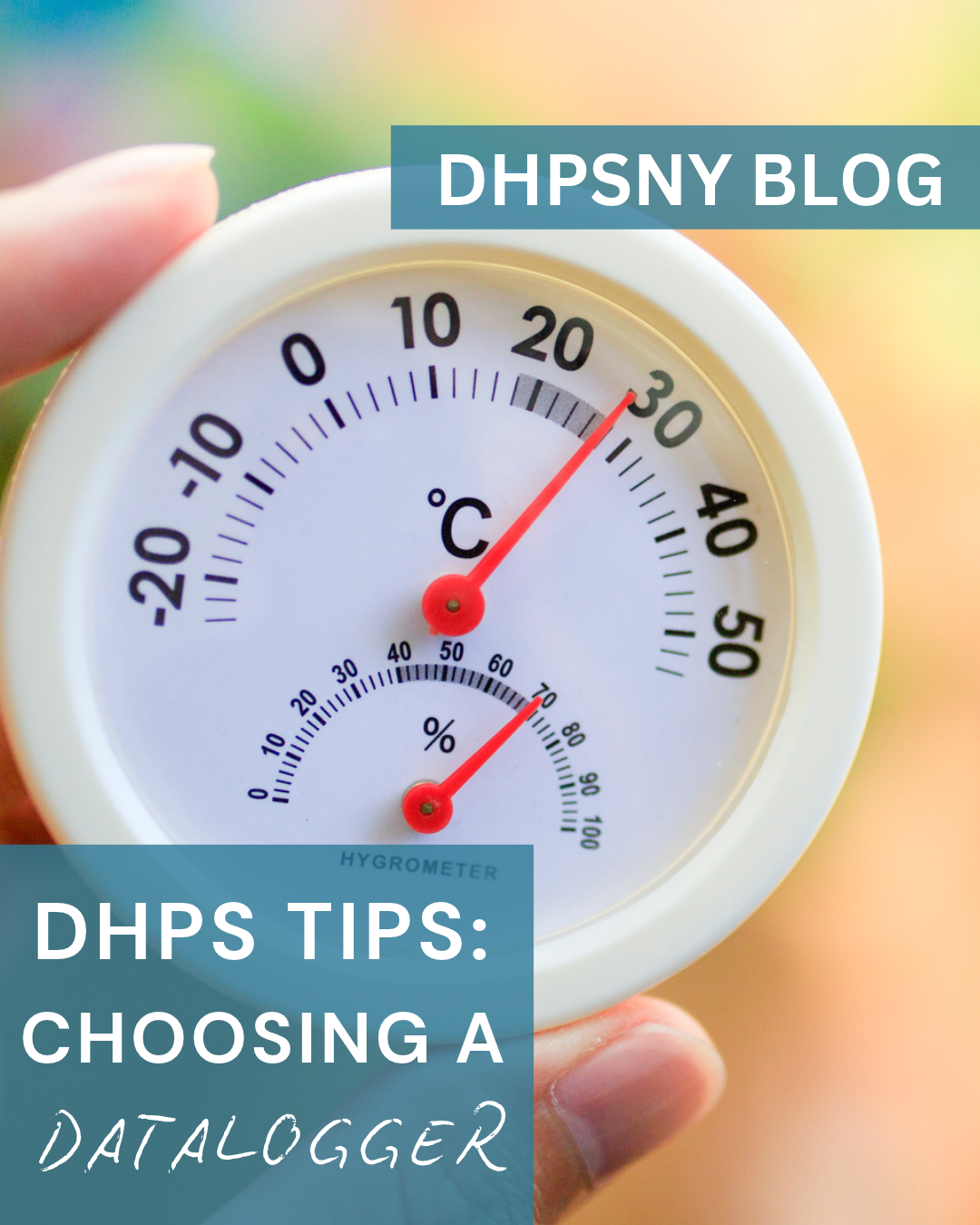
One of the simplest things any collecting institution can do to preserve the materials in its collections is to monitor the environment. Heat, cold, light, and humidity all affect collection materials in different ways, and tracking conditions over time can help you understand what is happening in your collection spaces. Environmental monitoring can be as simple as using a digital thermometer/hygrometer and recording readings manually. For more frequent measurements with less hands-on work, consider using a datalogger.
Dataloggers automatically record temperature and relative humidity (RH) at set intervals, and some also monitor light levels. The data can then be downloaded and analyzed using software, making it easier to graph conditions, identify trends over time, and share findings with others in your organization.
Collection stewards have never had more choices for monitoring their spaces, and choosing a system can seem overwhelming. But that also means there are options available at a range of price points. To help you compare your options, the Conservation Center for Art & Historic Artifacts (CCAHA) recently updated their Lower-Cost Environmental Datalogger Quick Comparison Chart, featuring a range of dataloggers suitable for different monitoring needs and budgets. You can also read CCAHA's Dataloggers Demystified: An Updated Guide to Environmental Monitoring for an introduction to the updated chart and a video walkthrough.
When choosing a datalogger for your collections, there are a few factors to keep in mind.
Range, Accuracy, and Resolution
When comparing dataloggers, pay attention to three related specifications: range, accuracy, and resolution. Range tells you the conditions the logger is capable of measuring. A relative humidity range of 0–100% RH provides the most flexibility, but not every datalogger covers that full range. Consider the conditions in the space you plan to monitor and make sure the logger's range is appropriate. This is particularly important for spaces that may experience extreme conditions or for specialized environments such as cold storage. If conditions fall outside the logger's measurement range, it may not be able to record useful data.
Accuracy tells you how close a logger's reading is expected to be to the actual temperature or relative humidity. Some loggers are more accurate than others, and accuracy may also vary across the logger's measurement range. Greater accuracy can come at a higher price point, but the level of accuracy you need to get truly useful data will depend on your collections and monitoring goals. Different types of collection materials have different environmental needs; see this infographic for more information on recommended temperature and relative humidity ranges for common collection materials.
Resolution refers to the increments a logger uses to collect data; in other words, how specific the readings are. For example, a resolution of 0.1% RH means the logger records relative humidity in increments of 0.1 percentage point. A smaller resolution value provides more specific readings, but greater resolution does not necessarily mean greater accuracy.
The comparison chart lists temperature range, accuracy, and resolution in degrees Celsius (°C), so keep this in mind when comparing models if you typically monitor temperature in Fahrenheit (°F).
Calibration
The accuracy of dataloggers can drift over time, so they should be calibrated routinely according to the manufacturer's instructions. Some loggers can be calibrated by the user, while others need to be sent to the manufacturer or another calibration service. Others cannot be recalibrated and will eventually need to be replaced.
Consider calibration requirements and any associated costs when choosing a datalogger. Depending on your needs, spending more upfront on a logger that can be recalibrated may make more sense than replacing a less expensive model down the line.
Placement
Once you have a datalogger, where should you put it? Start with the spaces where collections spend the most time, such as storage and exhibition areas. Place loggers as close to collection materials as practical, but away from air vents, radiators, windows, exterior doors, or other locations that could produce readings that aren't representative of conditions in the space.
Dataloggers can also be useful for monitoring specific areas of concern. For example, display cases can create their own microclimates and may need to be monitored separately from the surrounding room. If you have multiple loggers, placing them in different areas can also help you identify variations in conditions throughout a building or collection space.
Think about how the logger will be mounted as well. Some models have magnets for attaching them to metal shelving or holes for wall mounting; others can be secured with adhesive strips or hook-and-loop fasteners. Whatever method you use, make sure the logger is secure, accessible when needed, and positioned where it will measure the conditions affecting your collections.
Data Access and Software
How you retrieve data is another important consideration when choosing a datalogger. The Wireless/Bluetooth/USB column of the Comparison Chart shows how data can be transferred from each logger. Some models connect directly to a computer through USB, while others use Bluetooth or Wi-Fi or require a separate cable, docking station, or other device to retrieve data. Wireless or networked systems can be particularly useful when monitoring multiple spaces or locations that are difficult to access regularly, since they reduce the need to visit each logger to retrieve data. Smaller collections that need just a few loggers, however, can often get by with unnetworked models that require data to be downloaded manually (and are often less costly).
The Software column is also important to consider. Datalogger software allows you to download and view measurements, adjust settings, and often create graphs or other visualizations that make it easier to analyze conditions over specific periods of time. Some manufacturers provide software or apps as a free download, while others charge for software, cloud access, or additional features. Environmental data management tools such as eClimateNotebook may also require a separate subscription fee. Be sure to consider these additional costs, along with any cables, docking stations, or other equipment required to access your data, when comparing models.
Finally, look at how frequently a logger can take measurements and whether the logging interval can be adjusted. Depending on the model, readings may be recorded anywhere from every few minutes to once a day. Recording measurements every 15–30 minutes is often a useful starting point, but the appropriate interval will depend on your space and monitoring goals.
Putting It All Together
With your dataloggers placed and software installed, you're ready to start monitoring. But developing a robust environmental monitoring program goes beyond the equipment. Documenting your process is key to the success and long-term sustainability of the program. Consider:
- Who will be responsible for collecting and reviewing the data?
- How often will you download it?
- Where are your loggers located, and would drawing a map be helpful?
- Where will the data and graphs be stored so they are easily accessible and well-labeled?
Getting a grasp on the environmental trends of your space is essential for understanding how conditions may be affecting your collections, so gathering and analyzing at least a year's worth of data is a good place to start. Turning the data into an easy-to-read graph, rather than relying on a series of individual measurements, can make trends easier to recognize and help others in your organization understand what is happening in your collection spaces. Over time, you can compare environmental measurements between spaces, across seasons, and from year to year.
One of the key outcomes of environmental monitoring is advocacy. Having data to back up the need for storage changes, HVAC adjustments, or other improvements to the collection environment can be a powerful tool for preserving collections. Once you have that data, you can make informed decisions based on firsthand knowledge of your collections’ environment and evaluate whether changes you've made are having the intended effect.
Whether you're just starting out with environmental monitoring or looking to upgrade your current system, choosing a datalogger doesn't need to be overwhelming. Even installing one logger can be a useful place to start. Use CCAHA’s Lower-Cost Environmental Datalogger Quick Comparison Chart to compare available options and identify the features that best fit your collections, spaces, and budget.
Want to learn more? Check out these DHPSNY webinars on environmental monitoring and management:
Back to Basics: An Introduction to Environmental Management
Environmental Monitoring: Getting Started
Do you have a preservation topic, question, or creative solution you would like us to cover in this series? Reach us by email at info@DHPSNY.org, or connect with us on the DHPSNY Facebook page or DHPSNY Community Facebook Group.